
Activating your account from an email link

Most likely, you have been sent an email that looks something like the following:
Hi / Bonjour [your name],
An account has been created in HIFIS with your email address.
Please click the following link to finish setting up the account: [link]
(Didn't get the email? See I'm not receiving emails from HIFIS)
When you click on the link, you will be taken to a screen prompting you to set a new password:
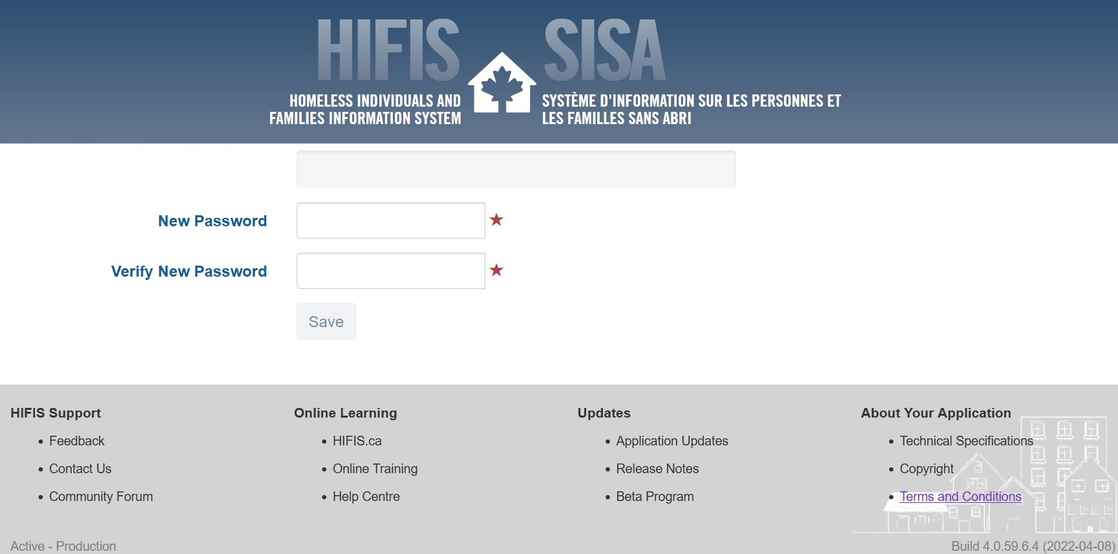
Choose a password, then re-enter it, and click Save. Your password must comply with your organization's password policy (which should be listed on this screen), so you may be prompted to adjust your password if it does not meet the requirements.
Once you have a new, approved password, you'll see a "Password Reset Successful" notice:
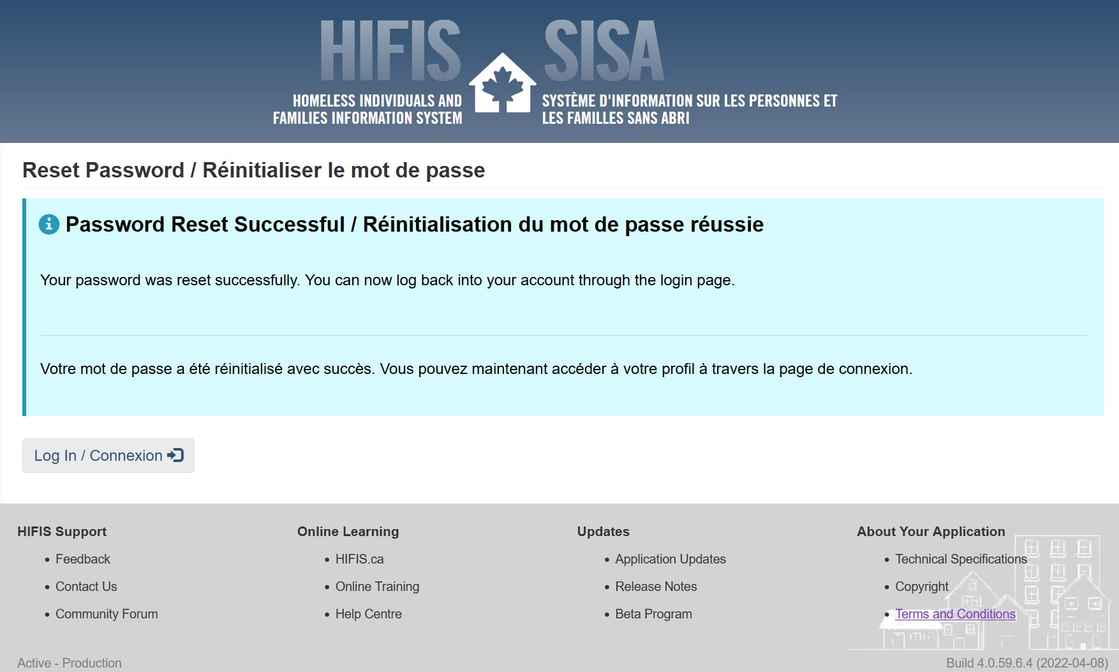
Finally, click the Log In button to proceed with Logging in to HIFIS.