
I forgot my password

If you've forgotten your password, the easiest thing to do is to click on the Forgot Password? button on the login page.
When you click on that button, you'll get taken to a page where you'll be prompted to enter your email address or username. Then click the Reset Password button.
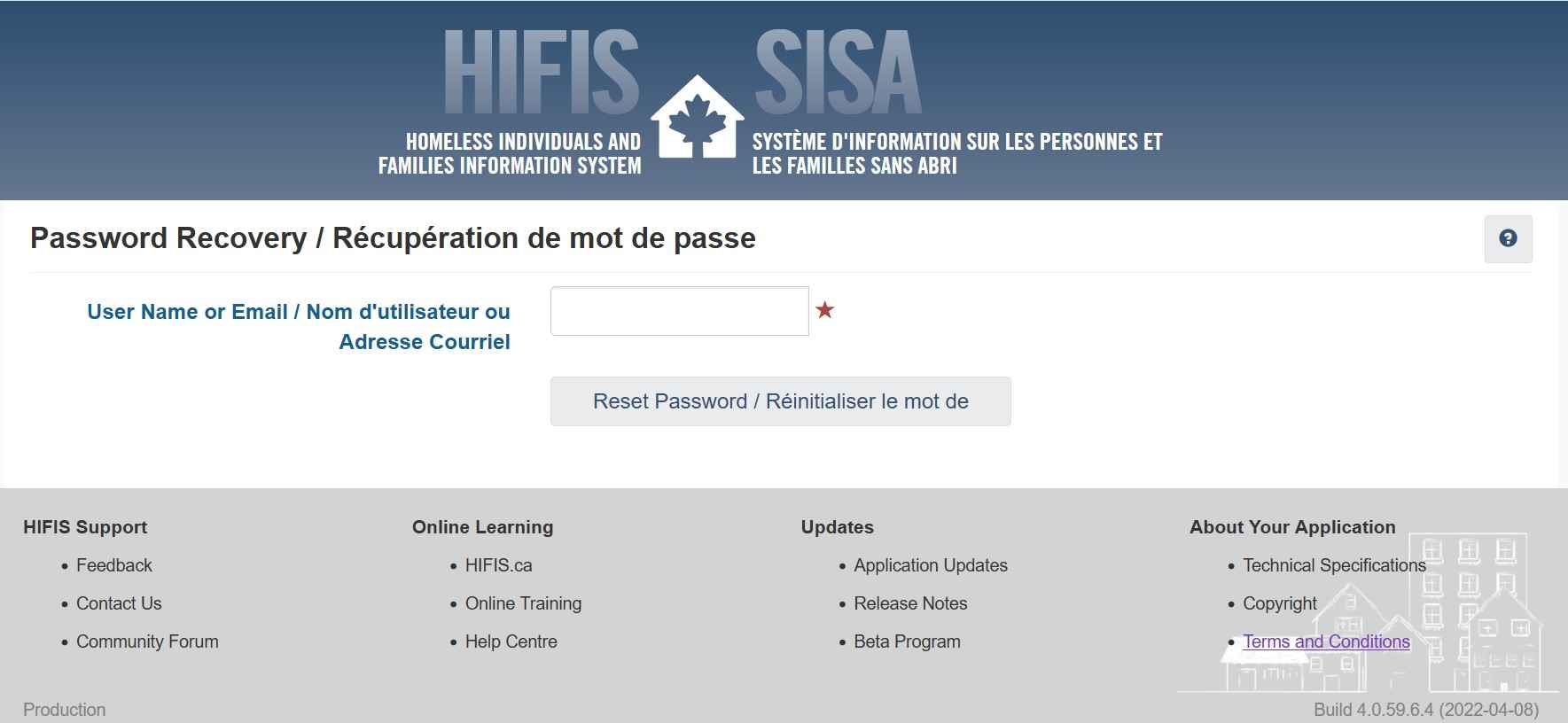
After you click the Reset Password button, an email will be sent to the email address on file for your user account. Check your email for a link.
See also:
Copyright © 2026 ACRE Consulting
___MESSAGE___
___MESSAGE___